Manual work
- Repeated actions that slow the team down
- Tools that do not talk to each other
- Human coordination around every small step
- Slow execution cycles
- Expensive administrative work
Wingman AI / Digital workforce operating system
WSOL builds Wingman, AI automation, CRM/ERP integrations and connected web platforms that turn scattered tools, data and tasks into one execution layer.
00 / The Problem
Teams lose time on work that should not require human coordination: follow-ups, reports, status updates, routing, reminders and moving information between systems.
01 / What Wingman Is
Wingman is an orchestration layer that connects AI to operations: tasks, workflows, agents, reports, alerts and system updates through the tools your team already uses.
Checks context, decides the next action and assigns ownership without loading the team.
Wingman receives a request, understands the process, routes it to the right owner and returns status to the team.
Cross-team processes get one coordination layer that keeps context, ownership and control in place.
ERP, CRM, email, Telegram, WhatsApp, databases and production systems connect into one layer.
Teams can work through a fast natural interface without learning a new operating system.
Statuses, exceptions, operational reports and management snapshots are generated from the work itself.
Wingman detects blocked tasks, exceptions and unclosed loops, then raises alerts to the right owner.
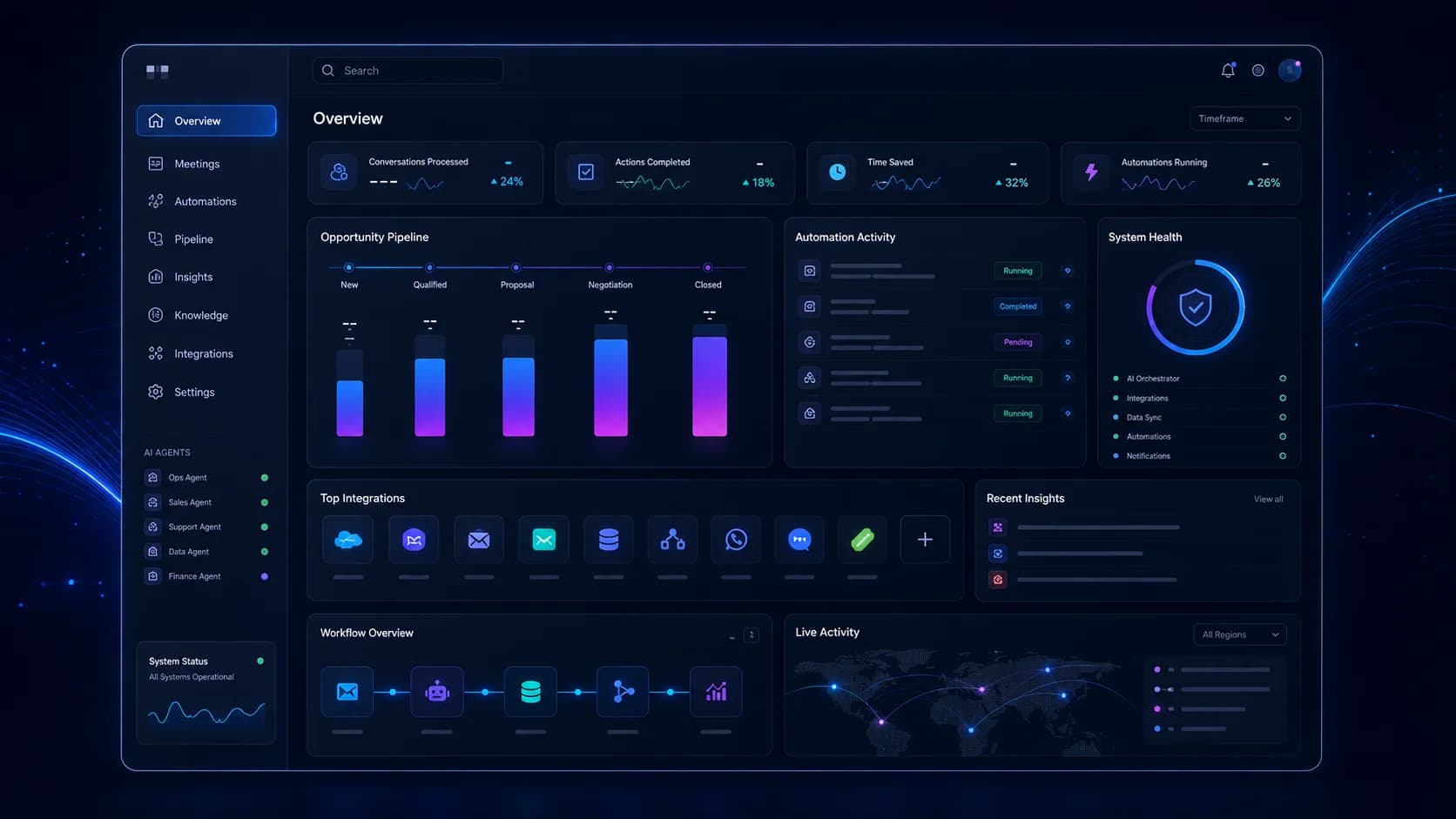
One view for meetings, pipeline, automations, system status and next actions.
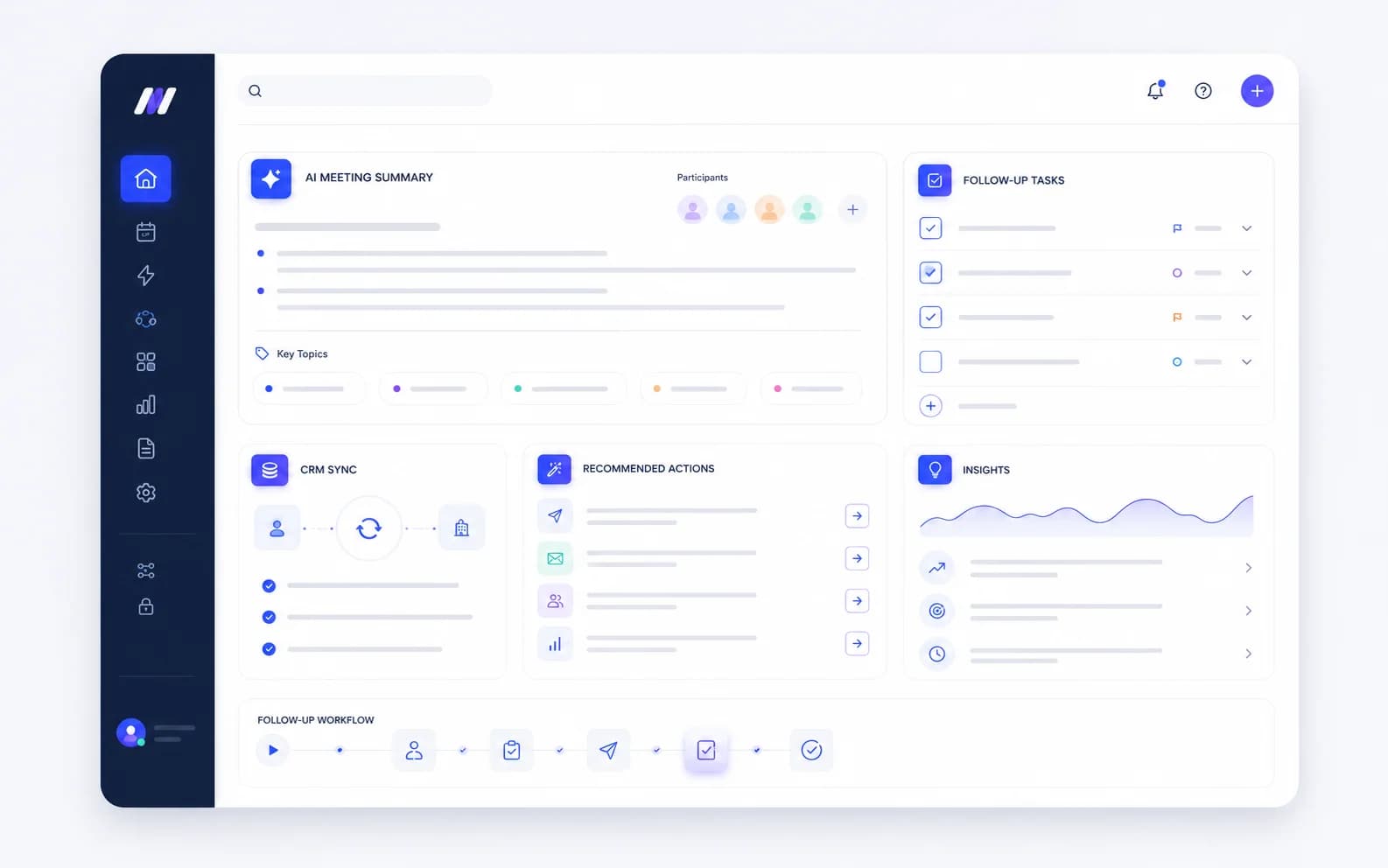
Wingman extracts next steps and syncs them into the workflow without manual copy-paste.
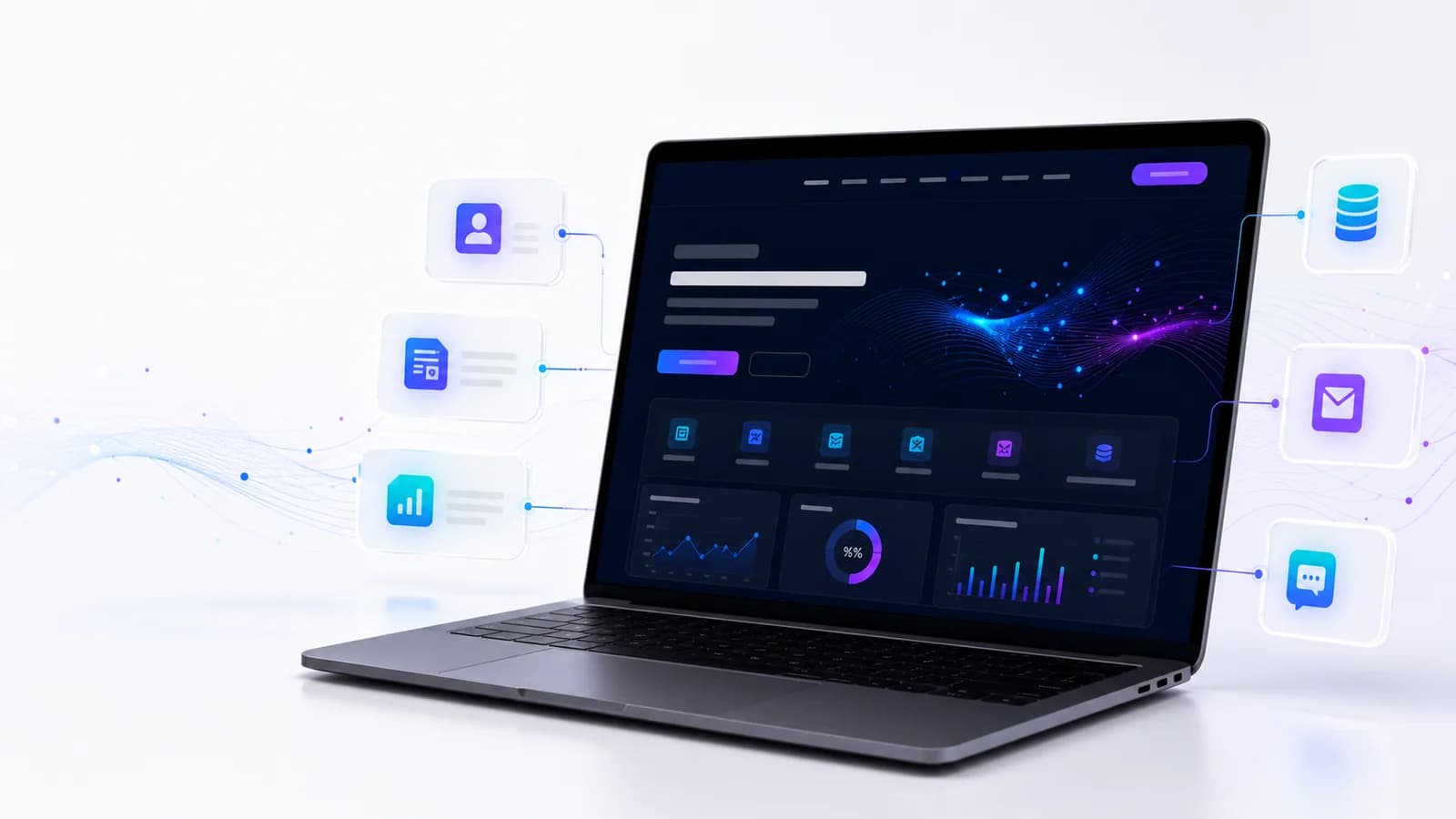
The digital entry point connects to CRM, smart forms, analytics and follow-up workflows.
02 / Automation
Good automation starts with a real process: what enters, who approves, what system updates, what gets measured and where human control is required.
Processes that used to require several people and hours of coordination become controlled real-time workflows.
Wingman sits above existing systems and connects ERP, CRM, communication tools, data and production systems without rip-and-replace.
The AI does not only answer. It activates agents, updates systems, routes tasks, creates reports and raises alerts.
03 / Integrations
We connect websites, CRM, ERP, WhatsApp, email, BI and internal systems so data moves correctly and teams can operate from one source of truth.
Manages workflows, delegates tasks to agents, connects systems and monitors execution end to end.
ERP, CRM, email, Telegram, WhatsApp, production systems, HR, procurement and databases.
Business rules, escalation logic, reports, KPI, exceptions and alerts that keep the organization moving.
04 / Solutions
Every solution starts from a real process: who asks, who approves, which system updates, what is measured and what should happen automatically.
Orchestrator, agents, workflows, reports and alerts.
Manual processes, routing, coordination and task execution.
SAP, Oracle, CRM, production systems and custom APIs.
A natural team interface without forcing a new system.
Operational reports, statuses, exceptions and dashboards.
Ticket handling, first response and escalation logic.
Calendars, time, resources and team coordination.
Pipeline updates, lead nurturing and CRM actions.
Documents, internal operations and task routing.
Websites and digital products connected to the business system.
05 / Operational ROI
Processes that require several people and hours of coordination become automated, consistent, measurable and scalable.
Several people around one process
Hours of manual coordination
Execution changes by person
Knowledge locked in people's heads
Growth requires matching headcount
Heavy administrative overhead
End-to-end automated workflow
Real-time AI execution
Consistent documented outcomes
Process knowledge stays available
Scale without matching headcount growth
Lean operations with higher throughput
06 / Implementation
No rip-and-replace and no endless project. We map quickly, connect systems, configure agents and launch a focused pilot that proves value fast.
We map existing workflows, identify expensive manual work and define where Wingman can create immediate impact.
Day 1-2We connect ERP, CRM, email, communication tools, databases and existing systems while the team keeps working as usual.
Day 2-4We configure the orchestrator and dedicated agents around workflows, terminology, permissions and escalation logic.
Day 4-6We go live with one department or workflow, measure usage and quality, then improve before expansion.
Day 6-10After the pilot proves value, we expand to more teams and add more agents gradually.
After pilot07 / Work
Selected projects are framed by what they allow the business to do: workflow, CRM, data products, platforms, conversion and operational clarity.
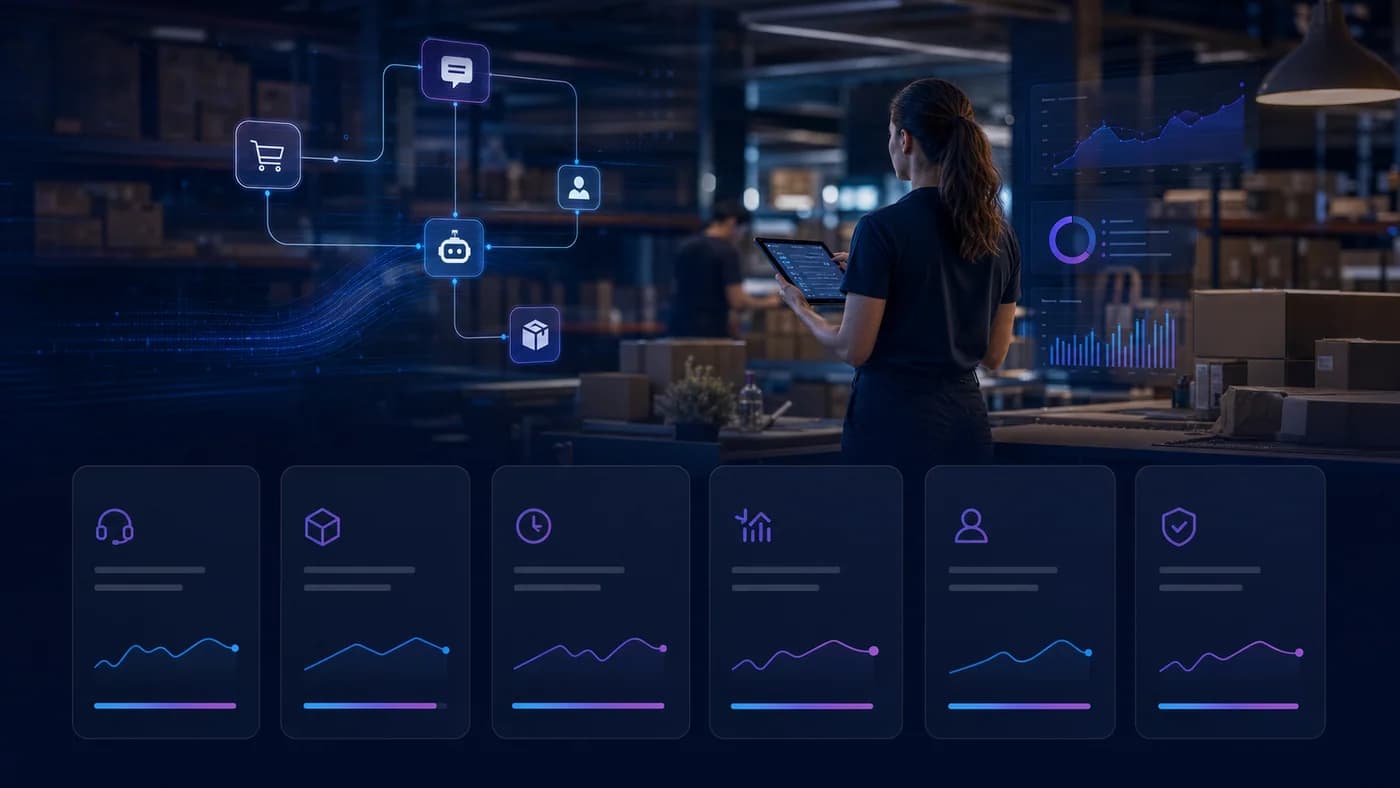
Web app + Funnel
A brand site, landing page, research questionnaire and web app that turned research into an accessible product flow.
Visible proof: two sites, a web app and a research questionnaire replacing a manual intake flow.
Industrial Web Platform
A company website with project galleries, service pages and a content structure the team can update independently.
Visible proof: project and content updates moved into a self-managed WordPress + ACF workflow.
Lead & Property System
A real-estate website with property management, dynamic search without page reloads and messaging aimed at apartment sellers.
Visible proof: AJAX property search and organic lead tracking from the website.CRM Workflow
A sales and operations system that organizes leads, statuses and next actions around a clear workflow.
Pipeline ownership and follow-up actions instead of work scattered across tools.Data Product
Dashboards and work screens that turn complex data into an operational view teams can act on.
More context for decisions and less switching between disconnected data sources.Custom Web Platform
A premium brand and content platform built as a stable digital foundation for a high-end sales process.
A strong entry point that can connect into the wider business system.Built around real workflows, not a generic AI demo.
Designed to work above the systems the organization already uses.
AI, automation, integration and product UX in one implementation team.
From strategy definition to pilot, measurement and expansion.
08 / Websites
We still build serious websites and digital products, but the real value comes when the website connects to AI, automation, CRM, ERP and data.
09 / Questions
Short answers about Wingman, existing systems, Telegram, implementation and websites.
Wingman is an AI Workforce Operating System: an orchestration layer that connects agents, workflows, existing systems, Telegram, reports and alerts so operational processes can run.
No. Wingman is built above existing systems and connects to them. The goal is not rip-and-replace, but an AI layer that executes processes and updates systems.
In a pilot, the team can work with Wingman through Telegram. Behind the scenes, the orchestrator activates agents, connects systems and creates reports and alerts.
The process is built in days, not weeks: one to two days for mapping, one to two days for setup and integrations, then agent configuration and a live pilot.
Yes. Websites and digital products remain a supporting capability, but they are not the whole story. The real value comes from connecting them to AI, automation, CRM, ERP and data.
Usually CRM, ERP, Email, WhatsApp, Telegram, Google Workspace, Make, Zapier, n8n, web systems, databases and internal or external APIs.
10 / Start
Tell us which manual workflows slow the organization down, which systems already exist, and what should happen automatically. We will design a pilot that proves value fast.