עבודה ידנית
- פעולות שחוזרות על עצמן
- כלים שלא מדברים אחד עם השני
- תיאום אנושי סביב כל פעולה
- מחזורי ביצוע איטיים
- תהליכי אדמין יקרים
Wingman AI / מערכת הפעלה לכוח עבודה דיגיטלי
Wingman מחבר את הדאטה, האוטומציות והמערכות שלכם, מסיר עבודה ידנית ומאפשר לצוות להתמקד במה שמזיז את העסק קדימה.
גללו להמשךפגוש את Wingman
Wingman מאזין, מבין ומפעיל את שכבת הביצוע סביב פגישות, לידים, CRM, משימות ודוחות. מערכת אחת שמחברת שיחה לפעולה.
00 / הבעיה
צוותים מבזבזים זמן על עבודה שלא דורשת אינטליגנציה אנושית: תיאומים, follow-ups, דוחות, תחזוקה תפעולית והעברת מידע בין מערכות.
01 / מה זה Wingman
שכבת orchestration שמחברת AI לתפעול: מנהלת משימות, מתאמת workflows, מפעילה agents, מתחברת למערכות ומתקשרת עם הצוות דרך Telegram.
Wingman מקבל בקשות, מזהה את התהליך, מנתב לבעלים הנכון ומחזיר סטטוס לצוות.
תהליכים שחוצים צוותים ומערכות מקבלים שכבת תיאום אחת שמחזיקה הקשר, אחריות ובקרה.
ERP, CRM, מייל, Telegram, WhatsApp, בסיסי נתונים ומערכות ייצור מתחברים לשכבה אחת.
הצוות עובד דרך ממשק טבעי ומהיר, בלי ללמוד מערכת חדשה ובלי להחליף את תהליך העבודה הקיים.
סטטוסים, חריגות, דוחות תפעוליים ותמונת מצב נוצרים מתוך העבודה עצמה.
Wingman מזהה תקיעות, חריגות ומשימות שלא נסגרו, ומעלה התראות בזמן לבעלים הנכון.
בקשה נכנסת
Orchestrator
סנכרון מערכת
ציר אוטומציה
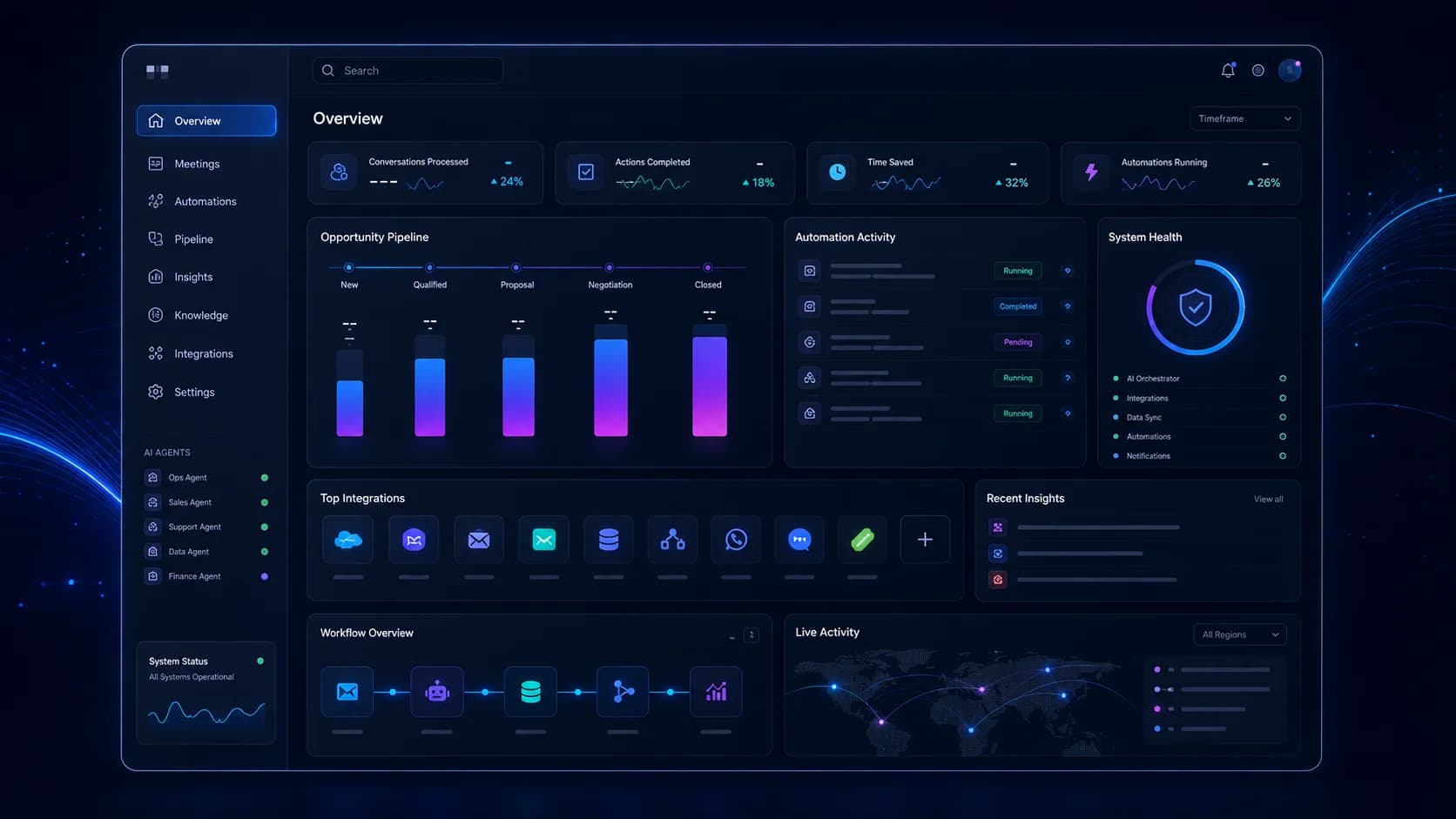
מבט אחד על פגישות, pipeline, אוטומציות, מצב מערכות ופעולות שצריכות להתבצע.
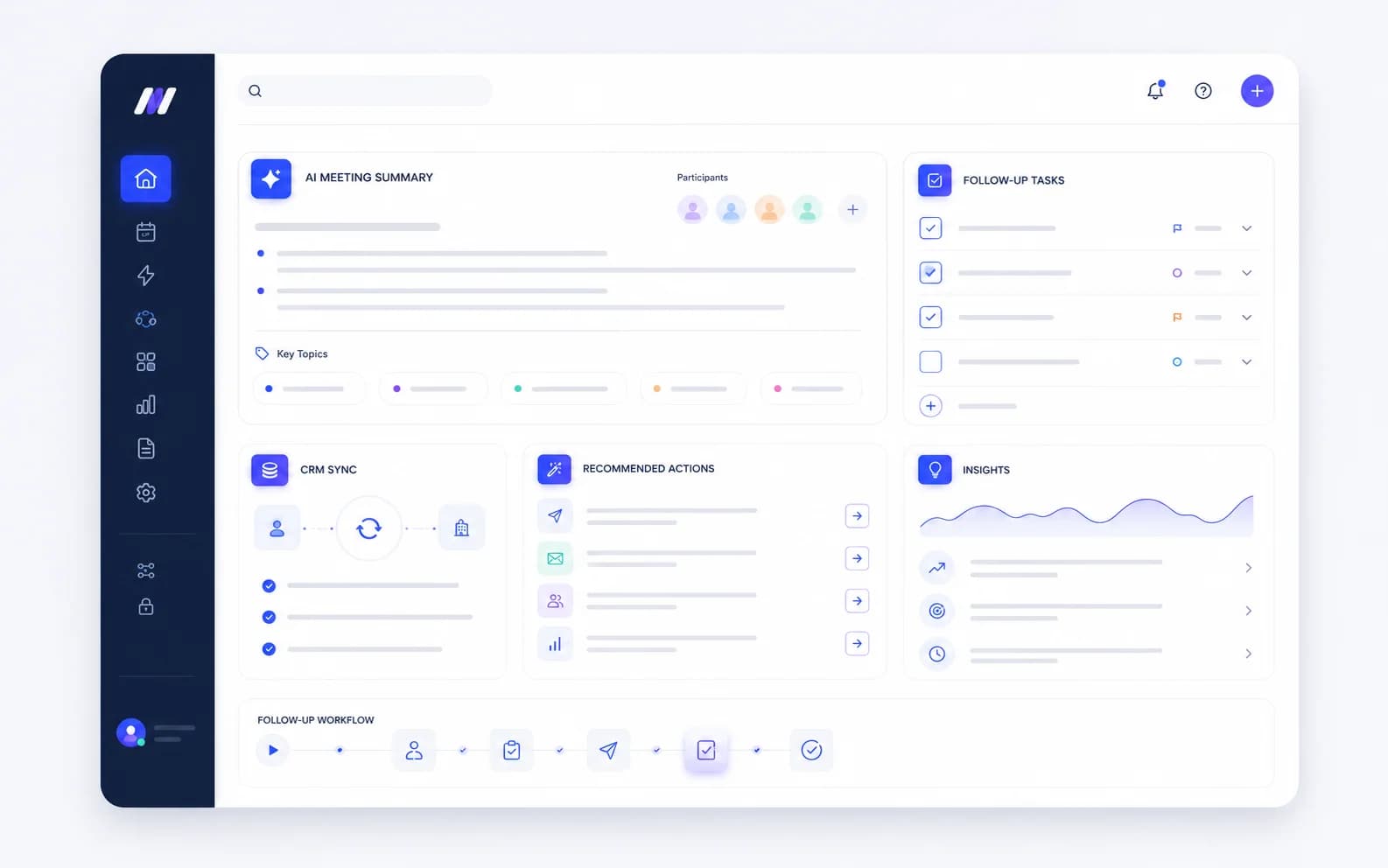
Wingman מזהה תובנות, מחלץ next steps ומסנכרן אותן לתהליך העבודה בלי copy-paste.
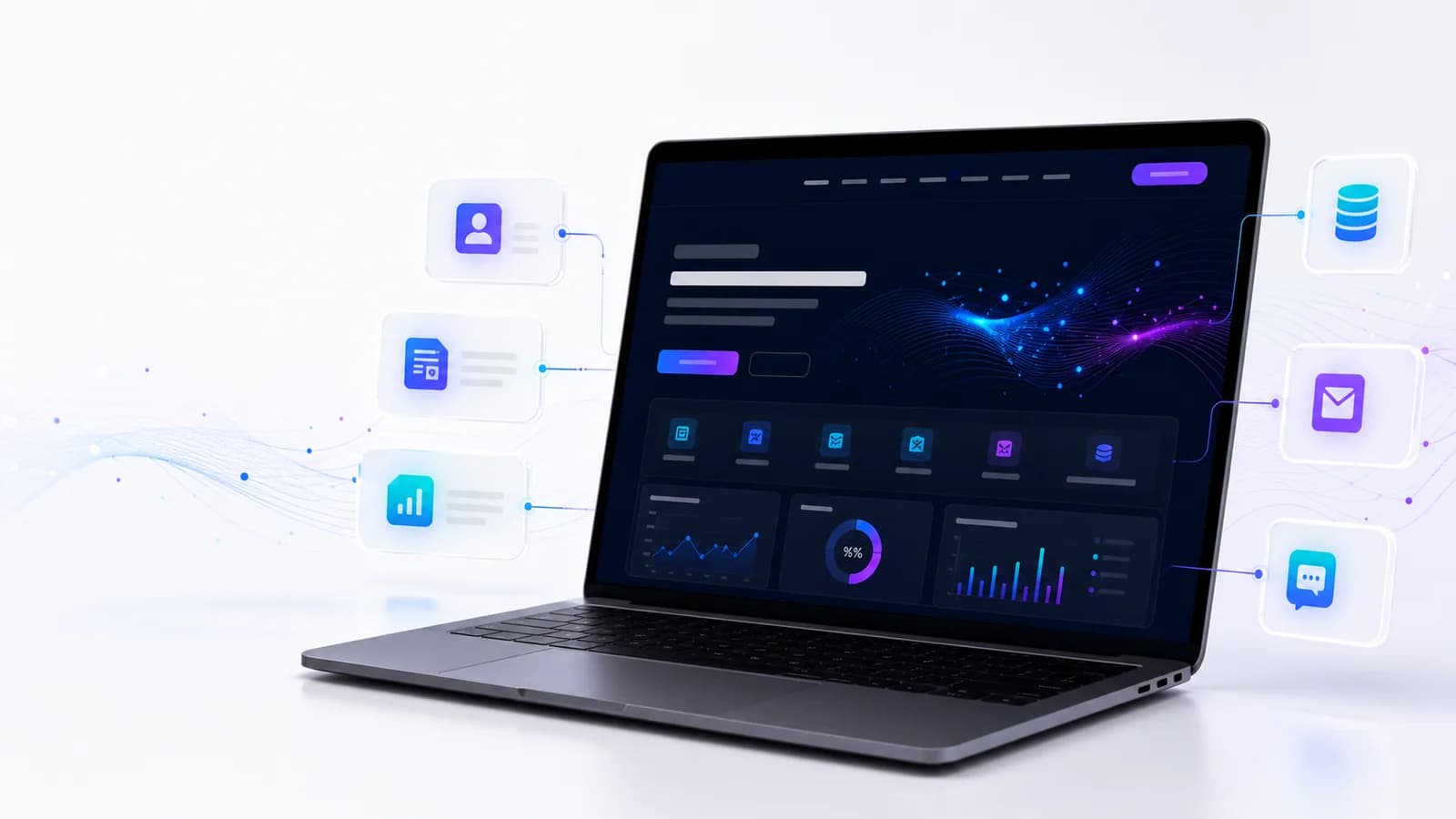
נקודת הכניסה הדיגיטלית מחוברת ל-CRM, טפסים חכמים, אנליטיקה והמשך טיפול.
02 / AI ואוטומציה
Wingman הופך תהליכים ידניים לזרימות עבודה אוטומטיות, מחבר מערכות ודאטה ומפעיל agents סביב חוקים עסקיים והרשאות.
תהליכים שדורשים כמה עובדים ושעות תיאום הופכים לזרימות עבודה אוטומטיות, בזמן אמת ועם בקרה.
Wingman יושב מעל המערכות הקיימות ומחבר ERP, CRM, תקשורת, דאטה ומערכות ייצור בלי rip-and-replace.
ה-AI לא רק עונה. הוא מפעיל agents, מעדכן מערכות, מנתב משימות, מייצר דוחות ומרים התראות.
03 / ארכיטקטורת Multi-agent
ה-orchestrator מחלק משימות ל-agents ייעודיים, מפקח על ביצוע, מחבר מערכות ומחזיר סטטוס, דוחות והתראות.
מנהל workflows, מחלק משימות ל-agents, מחבר מערכות ומפקח על ביצוע מקצה לקצה.
חיבורים ל-ERP, CRM, מייל, Telegram, WhatsApp, מערכות ייצור, HR, רכש ובסיסי נתונים.
חוקים עסקיים, escalation logic, דוחות, KPI, חריגות והתראות שמחזיקות את הארגון בתנועה.
04 / פתרונות
כל פתרון מתחיל מתהליך אמיתי: מי מבקש, מי מאשר, איזו מערכת מתעדכנת, מה נמדד ומה צריך לקרות אוטומטית.
Orchestrator, agents, workflows, דוחות והתראות.
תהליכים ידניים, routing, תיאום ומשימות.
SAP, Oracle, CRM, מערכות ייצור ו-APIs מותאמים.
ממשק עבודה טבעי לצוות בלי מערכת חדשה.
דוחות, סטטוסים, חריגות ותמונה תפעולית.
טיפול בפניות, ticket handling ומענה ראשוני.
תיאום זמן, משאבים, יומנים וסנכרון.
Pipeline, lead nurturing ועדכוני CRM.
מסמכים, תפעול פנימי וניתוב משימות.
פריטים מוצגים: 9 מתוך 10
05 / החזר תפעולי
תהליכים שדורשים כמה עובדים ושעות תיאום הופכים לאוטומטיים, עקביים, ניתנים לבקרה וסקיילביליים.
כמה עובדים סביב אותו תהליך
שעות של תיאום ידני
ביצוע לא עקבי
ידע שנשאר אצל אנשים
גידול דורש עוד כוח אדם
עומס אדמיניסטרטיבי גבוה
Workflow אוטומטי מקצה לקצה
ביצוע AI בזמן אמת
תוצאה עקבית ומתועדת
ידע תהליכי זמין תמיד
סקייל בלי להגדיל Headcount באותו קצב
תפעול רזה עם תפוקה גבוהה יותר
06 / יישום
אין rip-and-replace ואין פרויקט שנמרח חודשים. ממפים ביום-יומיים, מחברים מערכות ביום-יומיים, ואז עולים ל-Pilot חי שמוכיח ערך מהר.
ממפים workflows קיימים, מזהים את התהליכים הידניים היקרים ביותר ומגדירים איפה Wingman ייצור impact מיידי.
יום 1-2מחברים ERP, CRM, email, communication tools, databases ומערכות קיימות. הצוות ממשיך לעבוד כמו היום, ואנחנו בונים שכבת AI מעל.
יום 2-4מגדירים orchestrator ו-agents ייעודיים לפי workflows, טרמינולוגיה, הרשאות ו-escalation logic.
יום 4-6עולים לאוויר עם מחלקה או workflow אחד. הצוות עובד מול Wingman דרך Telegram, ואנחנו מודדים ומשפרים.
יום 6-10אחרי שה-Pilot מוכיח ערך, מרחיבים למחלקות נוספות ומוסיפים agents בהדרגה.
אחרי Pilot07 / עבודות והוכחה
הקייסים נשארים תומכים במיצוב: workflow, CRM, data products, platform ויכולת implementation מקצה לקצה.

Automation Layer
שכבת אוטומציה שמחברת בקשות, סטטוסים, follow-ups ודוחות סביב תהליך תפעולי אחד.
פחות תיאומים ידניים ויותר בהירות סביב מה קורה, מי אחראי ומה צריך להתבצע עכשיו.
ERP / AI Orchestration
חיבור תהליכי ייצור, ERP, התראות ודוחות לשכבת AI שמנהלת חריגות ופעולות המשך.
מערכת שמתרגמת דאטה תפעולית לפעולה, במקום להשאיר אותה בדוחות שמחכים לבדיקה.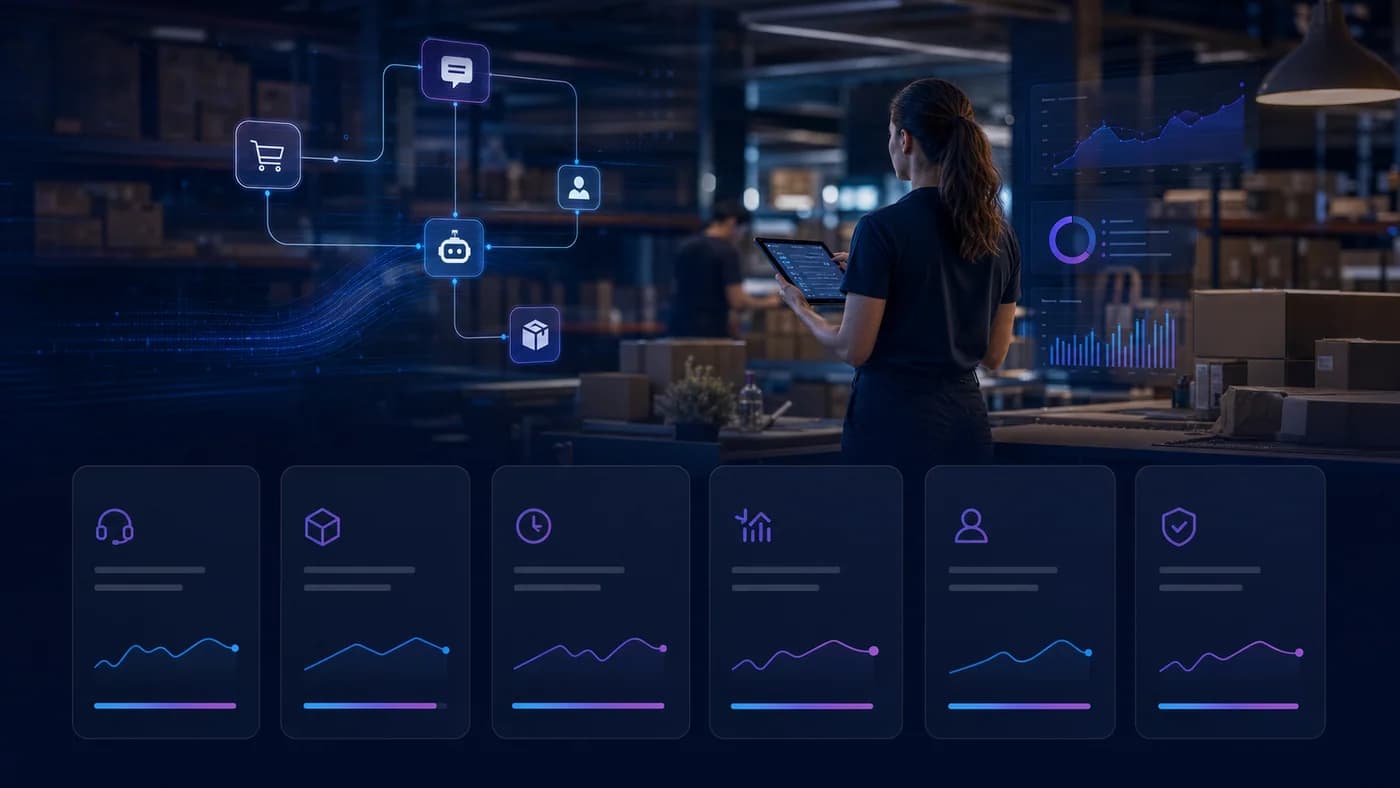
AI Support Automation
מערכת שמחברת פניות, ידע פנימי, סטטוסים ומשימות המשך בין שירות, מכירות ותפעול.
מענה עקבי יותר, פחות העברות בין צוותים ותמונה טובה יותר של מה דורש טיפול.נבנה סביב workflows אמיתיים, לא סביב דמו כללי של AI.
מתוכנן לעבוד מעל המערכות שכבר קיימות בארגון.
AI, אוטומציה, אינטגרציה ו-product UX בצוות יישום אחד.
מהגדרת אסטרטגיה ועד Pilot, מדידה והרחבה.
08 / אתרים
אנחנו עדיין בונים אתרים ומוצרים דיגיטליים ברמה גבוהה, אבל היום האתר הוא נקודת כניסה. הערך האמיתי מגיע כשהוא מחובר ל-AI, אוטומציות, CRM, ERP ודאטה.
09 / שאלות
תשובות קצרות על Wingman, מערכות קיימות, Telegram, תהליך implementation ואתרים.
Wingman הוא AI Workforce Operating System: שכבת orchestration שמחברת agents, workflows, מערכות קיימות, Telegram, דוחות והתראות כדי להפעיל תהליכים תפעוליים.
לא. Wingman נבנה מעל המערכות הקיימות ומתחבר אליהן. המטרה היא לא rip-and-replace אלא שכבת AI שמפעילה תהליכים ומעדכנת מערכות.
ב-Pilot הצוות יכול לעבוד מול Wingman דרך Telegram. מאחורי הקלעים ה-orchestrator מפעיל agents, מחבר מערכות ומייצר דוחות והתראות.
התהליך בנוי לימים, לא שבועות: יום-יומיים למיפוי ואפיון, יום-יומיים להתקנה ואינטגרציות, ואז קונפיגורציית agents ו-Pilot חי.
כן. אתרים ומוצרים דיגיטליים נשארים יכולת תומכת, אבל הם לא המרכז. הערך האמיתי הוא החיבור ל-AI, אוטומציה, CRM, ERP ודאטה.
בדרך כלל CRM, ERP, Email, WhatsApp, Telegram, Google Workspace, Make, Zapier, n8n, מערכות Web, בסיסי נתונים ו-APIs פנימיים או חיצוניים.
10 / התחלה
ספרו לנו אילו תהליכים ידניים מעמיסים על הארגון, אילו מערכות קיימות, ומה צריך לקרות אוטומטית. נבנה Pilot שמראה ערך מהר.